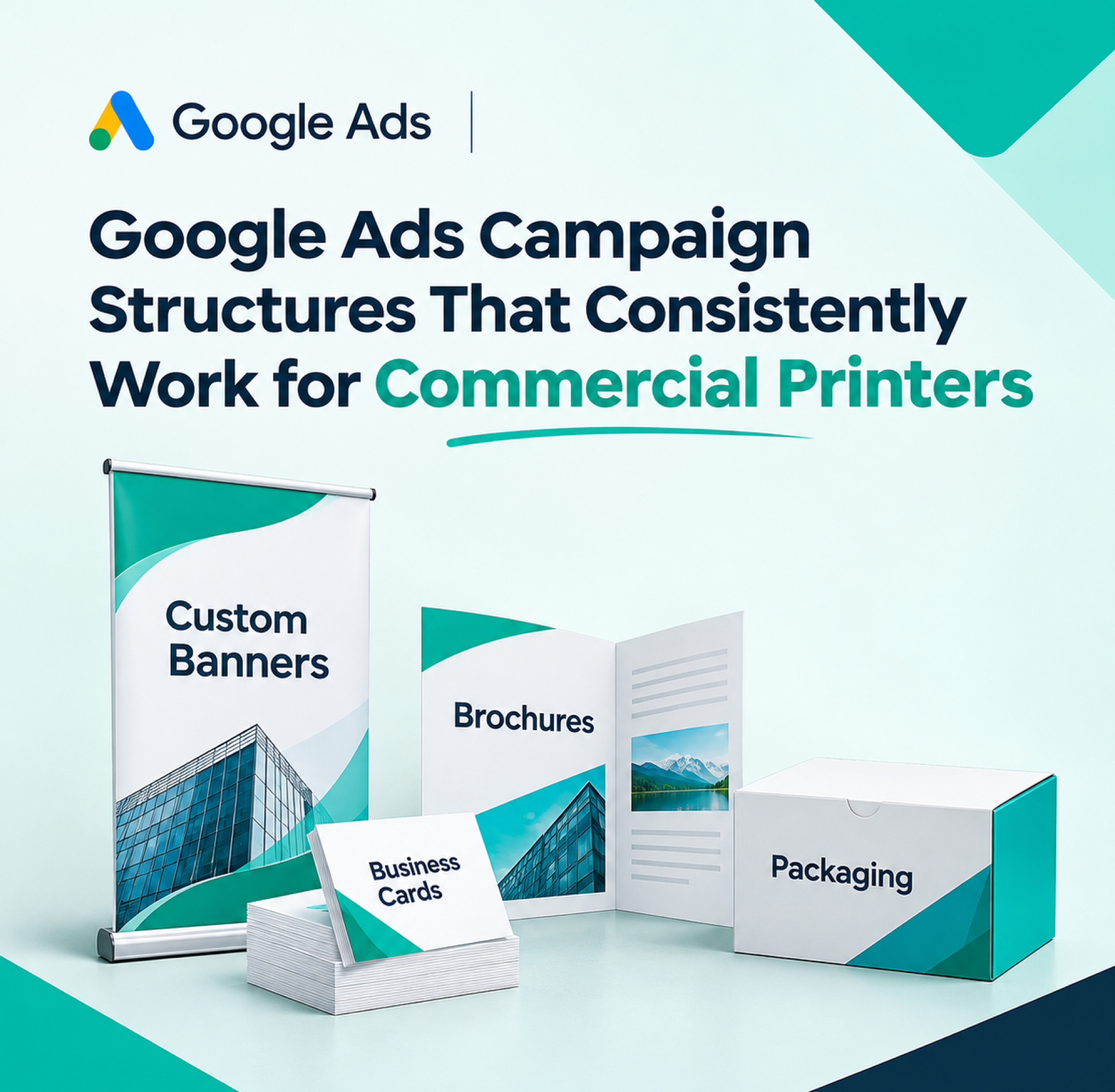
Commercial printers can use the Google Ads platform to target customers searching for products connected to their services, such as business card printing, brochures, banners, packaging and big format printing.
Using targeted keywords allows printing companies to draw in consumers who want to obtain quotations and place orders. Advertising isn’t just about setting a budget and starting to run ads.
Campaign structure plays an important role in managing ads to run successful campaigns. Creating different campaigns and Google Ads for commercial printers based on printing services, keywords, ads and target audiences is much simpler. Let us dive into the blog to know more about Google Ads campaigns.
Why Google Ads for Commercial Printers Requires a Structured Approach
Google Ads for printing companies needs careful planning in order to get the desired audience and make the best use of advertising budgets. Most printing companies provide various services, such as business cards, brochures, banners, packages, and large format printing, which have various queries and interests among the customers.
Trying to incorporate all of them into one campaign can be challenging when planning ad groups and measuring effectiveness. A strong Google Ads strategy for commercial printers helps printers organise keywords, write service specific ad copy and manage budgets aligned with their business goals.
Google Ads Campaign Structure For Printers
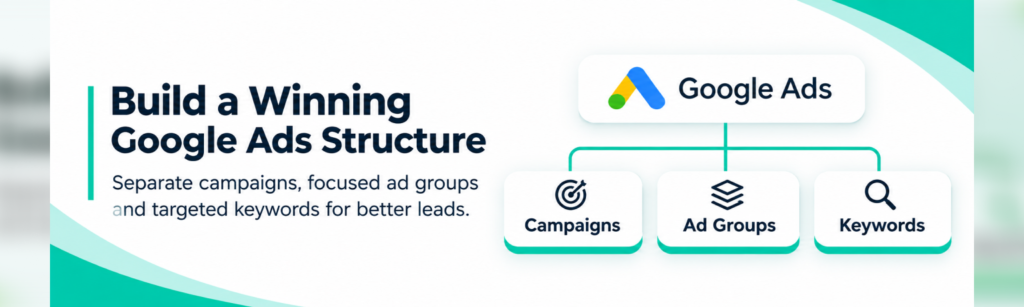
Having an organised Google Ads for commercial printing allows commercial printers to reach the right target and control their budget. With services, keywords, advertisements, and landing pages separated, printing companies will be able to come up with campaigns that are more relevant and generate leads effectively.
- Separate Campaigns by Printing Services :- It is wise to establish different campaigns for the various services such as business card printing, brochure printing, banner printing, packaging, and large-format printing. This way, you can budget based on service demand and measure campaign performance.
- Create Focused Ad Groups :- Ad groups should be structured using similar printing services. For instance, a business card printing campaign may comprise different ad groups such as custom business card, premium business card and bulk business card printing.
- Organize Keywords by Search Intent :- Use important keywords that relate to the customer’s needs. For example, a customer who wants a printing service solution could key in “order custom brochures” or even “commercial printing services near me.” Negative keywords can help eliminate irrelevant inquiries.
- Create Relevant Ad Copy :- Create advertisements that clearly explain what kind of printing services you offer, how fast you can complete the project, what customization options you provide, and ways for people to ask for a quotation.
- Build Relevant Landing Pages :- Redirect visitors to landing pages tailored to their search and advertisements. Offer service information, examples of past projects, pricing where possible and inquiry forms to facilitate the process of asking for quotations.
Google Ads Campaigns For Printers
A strong Google Ads for printing businesses is essential for commercial printers to attract potential customers and effectively advertise their printing services. The choice of the campaign structure will simplify the process of attracting appropriate searchers and managing the budget for advertising.
- Service-Focused Campaigns :-Create several campaigns for printing business cards, brochures, banners, packaging, and large-format printing. This way, you can use specific keywords, ads, and landing pages for each service.
- Brand-Focused Campaigns :- Run brand focused campaigns to attract people who searched your printing company’s name. These ads let customers learn about your services, offers and contact information.
- Location-Focused Campaigns :- Campaigns should target specific cities, regions, or service territories. These campaigns help commercial printers attract local businesses.
Google Ads Strategy For Commercial Printers
A strong Google Ads for printing businesses is essential for commercial printers to attract potential customers and effectively advertise their printing services. The choice of the campaign structure will simplify the process of attracting appropriate searchers and managing the budget for advertising.
First decide which services you want to promote to successfully create a Google Ads campaign structure for printers. These could include business card printing, brochures, banners, packaging, catalogues and large format printing. You should have a separate campaign for each type of service
Then, choose the right keywords for each campaign based on what people search for. Create ad groups with relevant keywords to build ads that solve customer’s specific problems.
Create ad copy that includes all necessary information about your services, delivery time, customisation options and quotations.
The advertisement should contain the link to the website containing the service details, the prices, and the form to request a quotation from you.
You should monitor the performance of the campaign analyzing the click-through rate, the conversion rate, the cost per lead, and the cost of advertising.
Google Ads For Printing Companies : Common Campaign Structure Mistakes
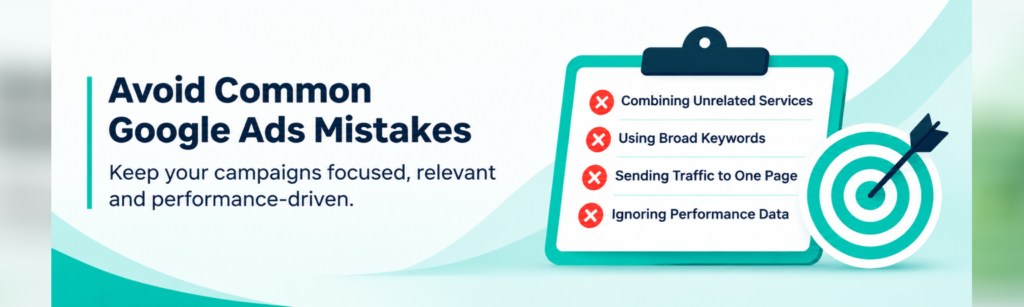
- Combining Unrelated Printing Services :- Combining business cards, banners, packaging and brochures in the same campaign might lead to the reduced effectiveness of targeting. Separate campaigns let commercial printers create relevant ads and budgets.
- Using Broadly Irrelevant Keywords :- The use of too general and irrelevant keywords might bring traffic that does not need printing services at all. Choose appropriate keywords to increase visibility.
- Sending All Ads to One Landing Page :- Sending the same links to every ad confuses visitors. Develop separate landing pages for different printing services.
- Ignoring Campaign Performance :- Lack of tracking clicks, conversions and cost per lead will complicate optimization process. Analyze the campaign information and make changes to keywords, bids, budgeting and advertisements.
Conclusion
The right Google Ads campaigns for printers are useful for commercial printers to attract their target audience and organize their advertising campaigns. Integrating campaigns, ad groups, keywords, ads, and landing pages provides a unified user experience. This way, it will be possible to monitor performance, find out what needs to be improved, spend money more wisely, and optimize campaigns for further success.
Strengthen Your Digital Presence with PrintDeed
Enhance your business’ online presence through PrintDeed’s Google Ads for commercial printers. Whether you want to establish an efficient campaign on Google Ads or just enhance your online presence, PrintDeed is there to help printing businesses reach out to their customers and generate leads through online marketing. Contact us for further details!
Frequently Asked Questions
What Should Be the Ideal Structure of a Google Ads Campaign for Commercial Printers?
The best structure will be to segment the commercial printing services into campaigns and ad groups, with keywords, individual ads and suitable landing pages.
How Can I Segment my Printing Keywords for Google Ads?
Keyword printing can be classified based on the printing services provided and the nature of the search done in order to enhance the relevancy of the ads.
How Much Do Commercial Printers Need to Spend on Google Ads?
Commercial printers must prepare the budget according to the advertising objectives, competitiveness, location and price of the linked printing keywords.
How Do Commercial Printers Increase Conversion Rates for Their Google Ads?
Increase conversions through appropriate ad language, targeted keywords, effective calls to action, optimised landing sites, and simple contact forms.
How Can Commercial Printers Track the Success of Their Google Ads Campaigns?
Track the efficacy of your Google Ads campaigns by keeping tabs on clicks, impressions, cost per lead, conversion rate and enquiries.