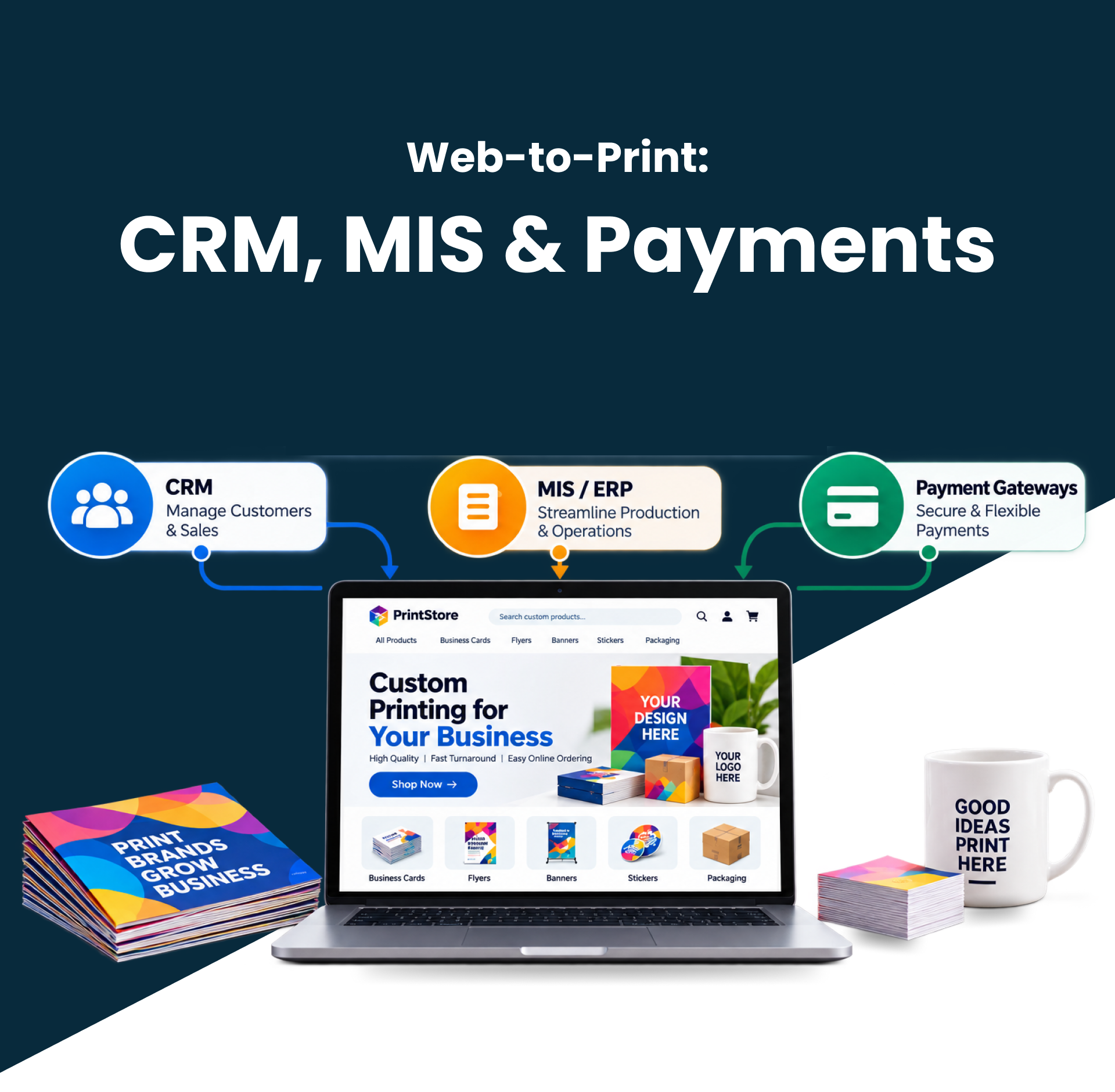
The print sector is not simply about walk-ins and phone calls anymore. Customers want to order print services from anywhere using online print order forms. Web-to-print technology is an efficient way for print companies to increase efficiency, customer satisfaction, and revenue without additional cost.
A web-to-print store set up for printers can enable print shops to operate 24/7, reduce workload, and deliver fast, accurate service.
Having the right technology can transform your print shop into a complete digital ordering site. This blog explores more information on a web-to-print store set up for printers.
In this guide, you’ll learn :
- Why digital ordering has become essential for modern print businesses
- How web-to-print automation improves operational efficiency
- Features that every successful online print storefront should include
- Ways automation supports long-term business growth
- Best practices for choosing and implementing a scalable solution
If you’re still evaluating your options, our comprehensive guide on Web-to-Print Store Setup for Printers explains how to build a digital storefront that accepts print orders around the clock while simplifying everyday operations.
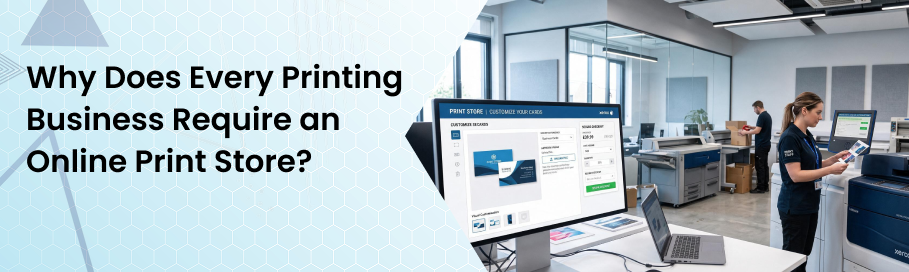
The current trend among consumers is the adoption of self-ordering due to the time-saving aspect as well as easy access to information about products and prices.
This eliminates the need for customers to request quotations via email or phone, as they can place orders, upload artworks, customize their orders, and make payments within minutes.
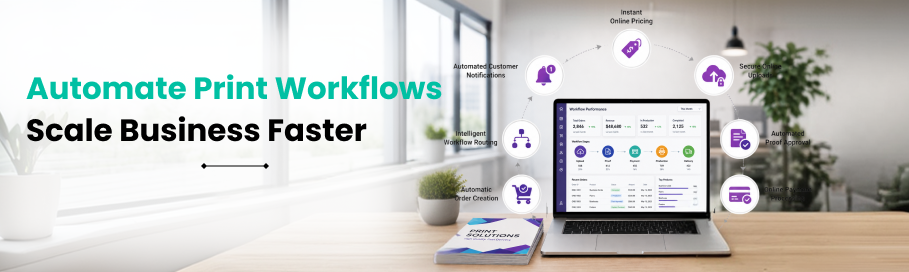
Using web-to-print solutions for printers will reduce repetitive tasks among workers, as order placement, proof approval, payment processing, and scheduling become automated.
The Operational Benefits of Web-to-Print Automation
Digital workflows deliver measurable operational improvements throughout the entire print production process. Rather than handling every order manually, automation allows each stage to move seamlessly from customer submission through production.
The result is faster turnaround times, fewer production errors, and improved resource utilization.
How Automation Changes Daily Operations
| Traditional Workflow | Automated Workflow |
|---|---|
| Manual quotation requests | Instant online pricing |
| Email artwork submission | Secure online uploads |
| Manual proof emails | Automated proof approval |
| Phone payment collection | Online payment processing |
| Staff order entry | Automatic order creation |
| Manual production scheduling | Intelligent workflow routing |
| Individual status updates | Automated customer notifications |
Instead of spending valuable time on administrative tasks, staff can focus on production quality, customer relationships, and business development.
Common Challenges When Implementing Web-to-Print Automation
A successful online printing solution will make it easy for both the customers and the printing store owner. Key features help to make it user-friendly and, at the same time, make backend processes easier. Some key features include:
- Easy-to-navigate product catalog
- Online editing suite
- Artwork uploading
- Instant pricing engine
- Payment gateway
- Order tracking
- Proof approval automation
- Account management
- Responsive design
Choosing an online web-to-print store setup solutions with such features guarantees your customers a hassle-free shopping experience from beginning to end.
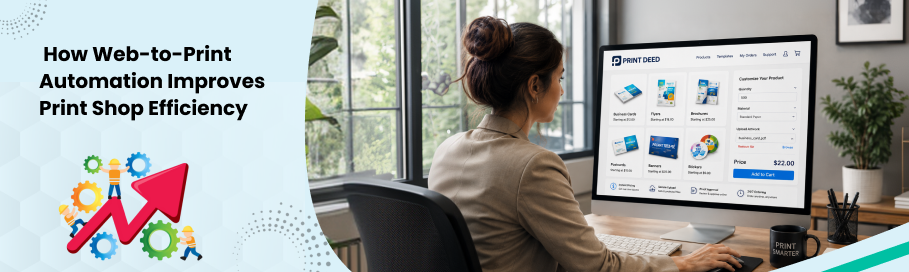
Every print shop reaches a point where manual processes begin limiting growth. As order volumes increase, repetitive administrative work consumes valuable production time, making it difficult to maintain fast turnaround times and consistent customer service.
Web-to-print automation addresses these challenges by streamlining repetitive tasks across the entire order lifecycle. Instead of relying on manual intervention, digital workflows automatically move orders from submission to production while reducing delays and minimizing costly errors.
How Automation Streamlines Daily Operations
Automation supports every stage of the print production process, allowing staff to focus on delivering high-quality products instead of managing repetitive administrative work.
| Manual Process | Automated Workflow | Business Benefit |
|---|---|---|
| Email quotations | Instant online pricing | Faster purchasing decisions |
| Manual artwork review | Automated file validation | Fewer production errors |
| Phone proof approvals | Digital proof approval | Reduced turnaround time |
| Spreadsheet job tracking | Live production dashboard | Better workflow visibility |
| Manual customer updates | Automated notifications | Improved customer experience |
| Paper-based scheduling | Intelligent job routing | Increased production efficiency |
These improvements create a smoother production environment while enabling print businesses to process more work without increasing operational complexity.
How Self-Service Portals Build Customer Loyalty
In today’s market, people prefer quickness, efficiency, and openness. A well-constructed online print store can provide all three and help you build your brand image. The most valuable self-service capabilities include:
- Browsing products anytime
- Viewing live pricing
- Uploading artwork instantly
- Personalizing templates
- Saving previous designs
- Reordering with one click
- Tracking production status
- Receiving automated updates
It is important for creating certainty and making repeated purchases easier. A good online experience leads to customer loyalty and referrals.

Typical printing shops fail to scale up because they rely on personnel to process orders. Digital solutions overcome such barriers and process dozens of orders at once.
The more orders you get, the better the automated workflow works and the less it increases administrative expenses. Growth allows you to implement the following:
- Additional types of products
- Corporate customer websites
- Franchising operations
- Regional shipping services
- Promotion campaigns
- Bulk order management
Most companies use the best web-to-print solutions for commercial printers to scale successfully.
How to Evaluate a Web-to-Print Automation Partner
Selecting the right technology vendor is just as crucial as selecting the right software package. The right vendor has a good understanding of the print industry and provides updates and technical support.
Key Factors to Consider Before Choosing a Solution
Not every web-to-print platform is built for the same type of print business. Evaluate each provider based on long-term scalability rather than simply comparing feature lists.
| Evaluation Criteria | Why It Matters |
|---|---|
| Industry experience | Understands commercial print production and customer workflows |
| Platform scalability | Supports future business growth without major system changes |
| Integration capabilities | Connects with existing business software |
| Customization options | Adapts to unique products and workflows |
| Security standards | Protects customer data and online transactions |
| Technical support | Reduces downtime and implementation risks |
| Product migration | Simplifies moving products and customer data |
| User training | Encourages faster staff adoption |
| Product updates | Keeps the platform aligned with changing technology |
A solution that works well today should continue supporting your business as product lines, customer expectations, and order volumes increase.
Measuring the Return on Investment (ROI) of Web-to-Print Automation
Investing in automation is about more than reducing manual work. It should deliver measurable improvements across operations, customer service, and business growth.
Tracking the right metrics helps determine whether your investment is achieving its intended outcomes.
Key Performance Indicators to Monitor
| KPI | Why It Matters |
|---|---|
| Order processing time | Measures workflow efficiency |
| Quote response time | Indicates purchasing convenience |
| Order accuracy | Identifies production quality improvements |
| Repeat order rate | Measures customer loyalty |
| Average order value | Evaluates revenue growth |
| Customer satisfaction | Reflects overall buying experience |
| Production turnaround time | Indicates operational efficiency |
| Administrative hours | Measures labour savings |
Tracking these key indicators consistently helps measure operational performance, identify trends, uncover improvement opportunities, and support informed decisions that drive long-term business efficiency and success.
Common Challenges When Implementing Web-to-Print Automation
Every technology project involves change. Understanding common implementation challenges allows businesses to prepare effectively and reduce disruption during deployment.
Typical Implementation Challenges
| Challenge | Recommended Approach |
|---|---|
| Product migration | Organize product data before implementation |
| Staff training | Provide hands-on learning sessions |
| Customer adoption | Offer simple onboarding resources |
| Workflow customization | Map production processes early |
| Legacy software integration | Evaluate compatibility before launch |
| Product catalog organization | Standardize naming and categories |
| Artwork management | Define clear upload requirements |
Planning ahead gives you more time to coordinate resources, prevent last-minute challenges, and ensure every stage of implementation runs smoothly, efficiently, and delivers better overall results.
Best Practices for Launching an Automated Print Workflow
A structured implementation approach helps businesses maximize the value of their investment while minimizing disruption.
Recommended Implementation Roadmap
| Phase | Primary Focus |
|---|---|
| Planning | Define business goals and workflow requirements |
| Platform Selection | Choose the right technology partner |
| Product Setup | Configure products, pricing, and templates |
| System Integration | Connect business software |
| Workflow Testing | Validate ordering and production processes |
| Staff Training | Prepare teams for launch |
| Customer Launch | Introduce the online storefront |
| Continuous Improvement | Monitor KPIs and optimize workflows |
Treat implementation as an ongoing improvement process rather than a one-time technology project.
Ready to Transform Your Print Business with Web-to-Print Automation?
Build a professional online print storefront designed for growth, efficiency, and seamless customer ordering.
Why Partner with PrintDeed?
PrintDeed helps commercial printers, franchise operations, and independent print businesses implement web-to-print solutions designed for long-term growth.
What You Can Expect
| Business Need | How PrintDeed Helps |
|---|---|
| Online Ordering | Custom web-to-print storefronts available 24/7 |
| Workflow Automation | Reduce manual tasks and production bottlenecks |
| Customer Experience | Self-service ordering with artwork upload, proofs, and tracking |
| B2B Portals | Branded ordering portals for corporate clients |
| Scalable Growth | Solutions designed to grow with your print business |
| Technical Expertise | Industry-focused implementation and ongoing support |
Every implementation is tailored to your products, workflows, and long-term business objectives rather than using a one-size-fits-all approach.
Conclusion
Web-to-print automation helps print businesses improve efficiency, reduce manual work, and deliver a better customer experience. By combining automated workflows with a well-optimized online storefront, businesses can increase productivity, strengthen customer relationships, and build a scalable foundation for sustainable growth in today’s competitive print industry.
Frequently Asked Questions
What is a web-to-print store?
A web-to-print store is a digital system allowing customers to order, personalize, upload their artwork, and pay for printed materials online.
Does the web-to-print solution allow placing business bulk orders?
Certainly, most web-to-print solutions offer tools such as a corporate portal, bulk ordering, an approvals process, and customer-specific pricing, which are essential for businesses.
Is a web-to-print store right for small print shops?
Certainly, a web-to-print store is perfectly designed for small print shops, enabling them to automate their processes and reduce manual labour.
How does web-to-print reduce production errors?
Automated workflows minimize manual data entry by validating artwork, standardizing order information, routing approved jobs directly into production, and reducing communication errors between customers and production teams.
Can web-to-print platforms support B2B customers?
Yes. Many platforms provide dedicated corporate portals with approved templates, role-based permissions, department-specific ordering, budget controls, and centralized procurement for multi-location organizations.
How long does web-to-print implementation usually take?
Implementation timelines vary depending on product complexity, integrations, customization requirements, and data migration. Businesses should discuss project scope and deployment schedules with their implementation partner before starting.
Can web-to-print integrate with existing business software?
Most enterprise web-to-print platforms support integrations with CRM systems, MIS software, accounting platforms, payment gateways, shipping providers, and inventory management systems to create connected digital workflows.